How Multimodal AI Assistants Change Apps
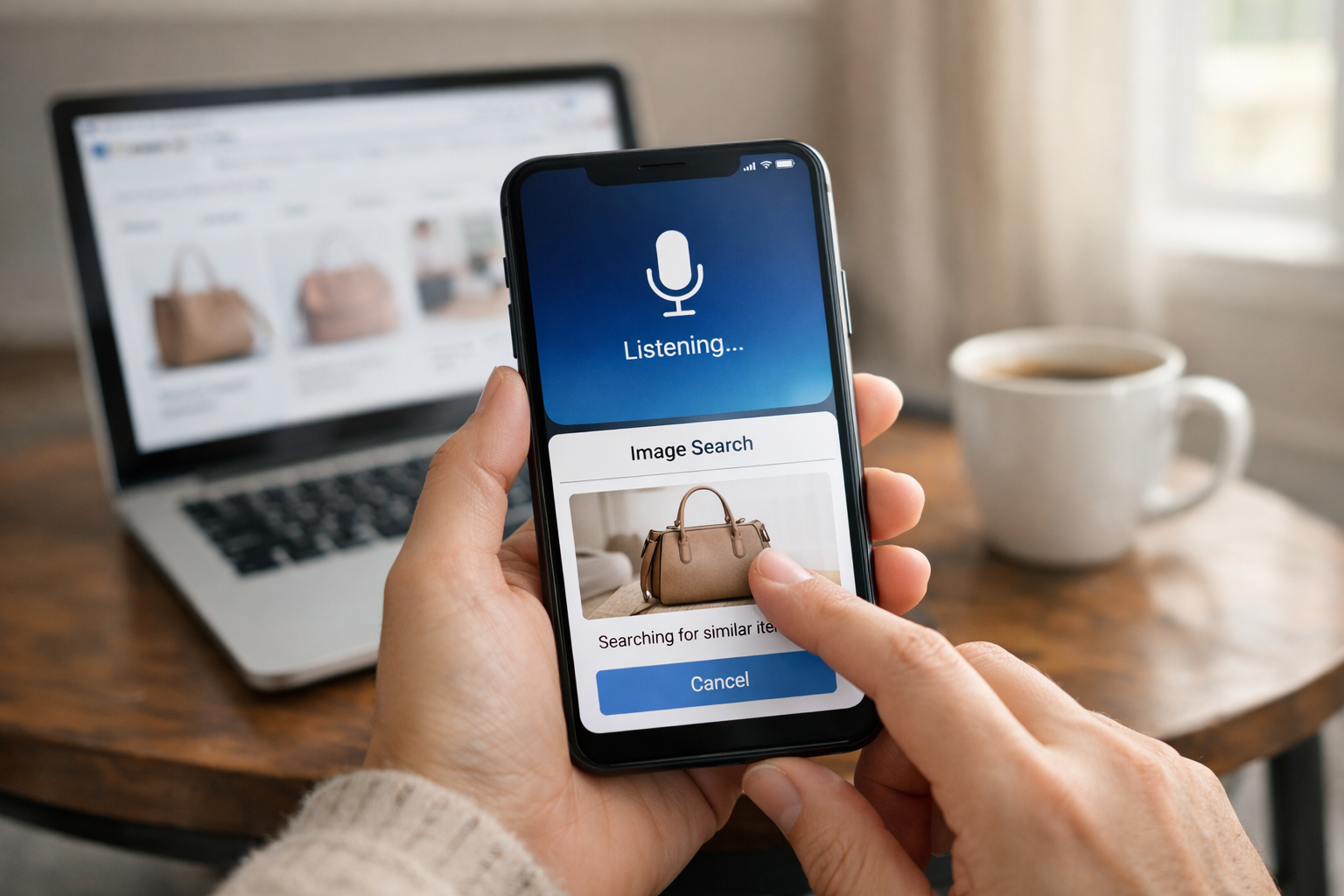
Snap a photo, speak a command, and suddenly your apps feel magical—but the real twist is what happens next...
How Multimodal AI Assistants Redesign Daily Apps
Have you ever snapped a photo of a lamp in a cafe and wished your shopping app could just find it? Or spoken to a map app while walking, instead of pecking at your screen? That shift is already here. How multimodal AI assistants are changing everyday consumer apps comes down to one simple idea. Apps can now understand more than typed words. They can take in text, voice, images, and sometimes video, then respond with more context. In this article, you'll see how that changes the apps you already use every day.
A faster, more natural way to use apps
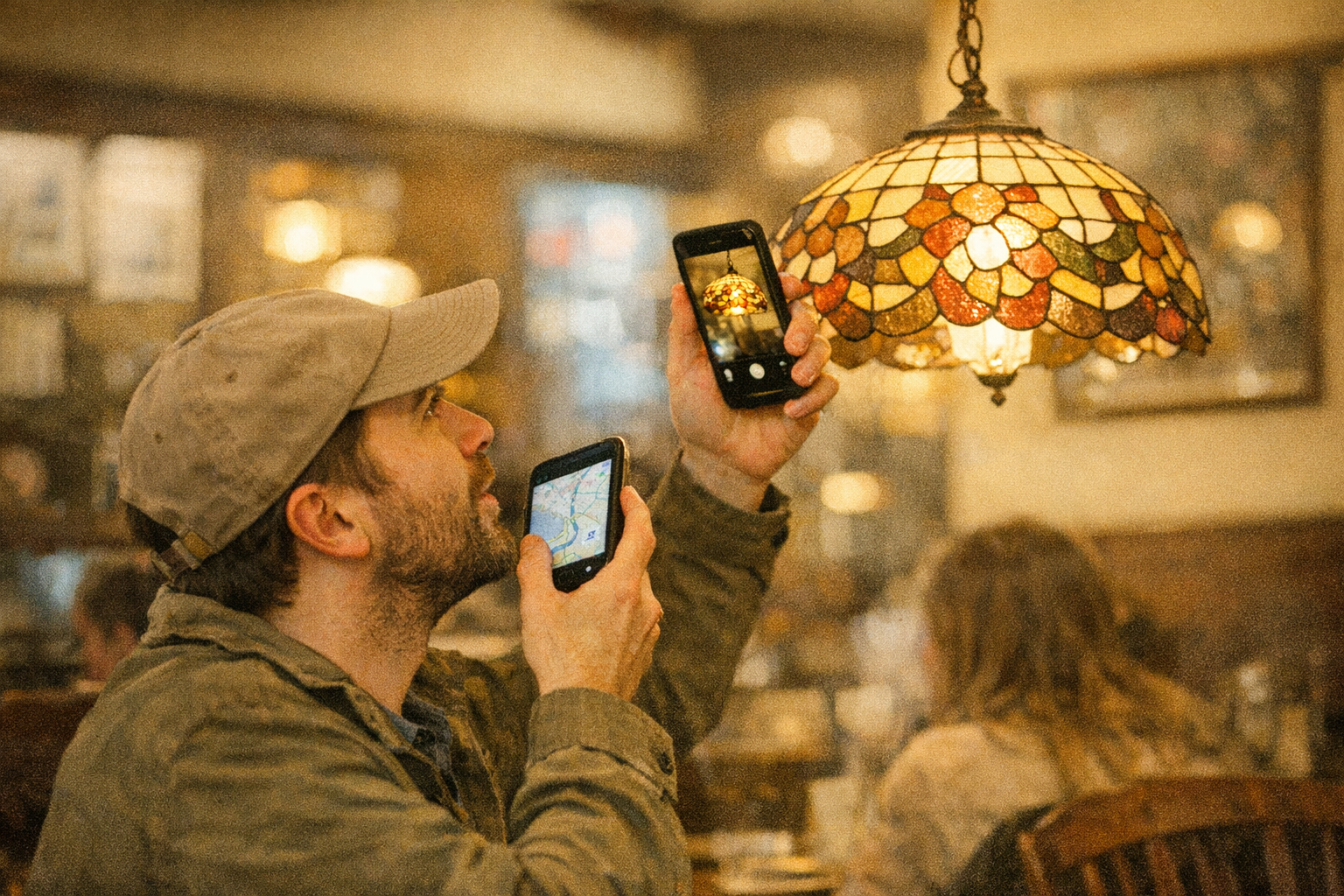
How multimodal AI assistants are changing everyday consumer apps is pretty direct. They combine text, voice, images, and video so app interactions feel faster, more natural, and more aware of what you mean. Instead of typing a long description, you can speak, show a screenshot, upload a photo, or point your camera at something.
That matters most in apps people open all the time. Search apps can answer questions from a photo. Shopping apps can identify products from images and compare similar items. Messaging apps can suggest replies based on text and voice. Navigation apps can read screenshots or live camera views. Photo tools can edit images from plain language requests. Support apps can use a screenshot plus chat history to solve issues in fewer steps.
The real change isn't some distant sci-fi layer. It's the way apps reduce friction right now. Fewer taps. Less explaining. More useful help on the first try.
How multimodal AI assistants are changing everyday consumer apps
The big shift is simple. You no longer have to fit your problem into a search box.
A multimodal assistant lets you choose the easiest input in the moment. Type if you're at work. Speak if your hands are full. Share a photo if words would take too long. Use a short video if motion matters, like showing a broken hinge or a flickering screen. The app reads those signals together, not one by one.
That changes the feel of everyday apps. Search becomes more like asking a smart helper. Shopping feels more visual. Support gets less painful because you can show the problem instead of writing three paragraphs. And in messaging, the assistant can use tone, image context, and previous chat to respond more naturally.
Think of it like this. Text-only apps make you translate your real-world problem into neat little words. Multimodal apps meet you halfway. They take the messy, human version of your request and turn it into action. That's why this shift feels so immediate. It's less about AI as a concept, and more about apps finally understanding how people actually communicate.
What multimodal AI assistants do differently from text-only assistants
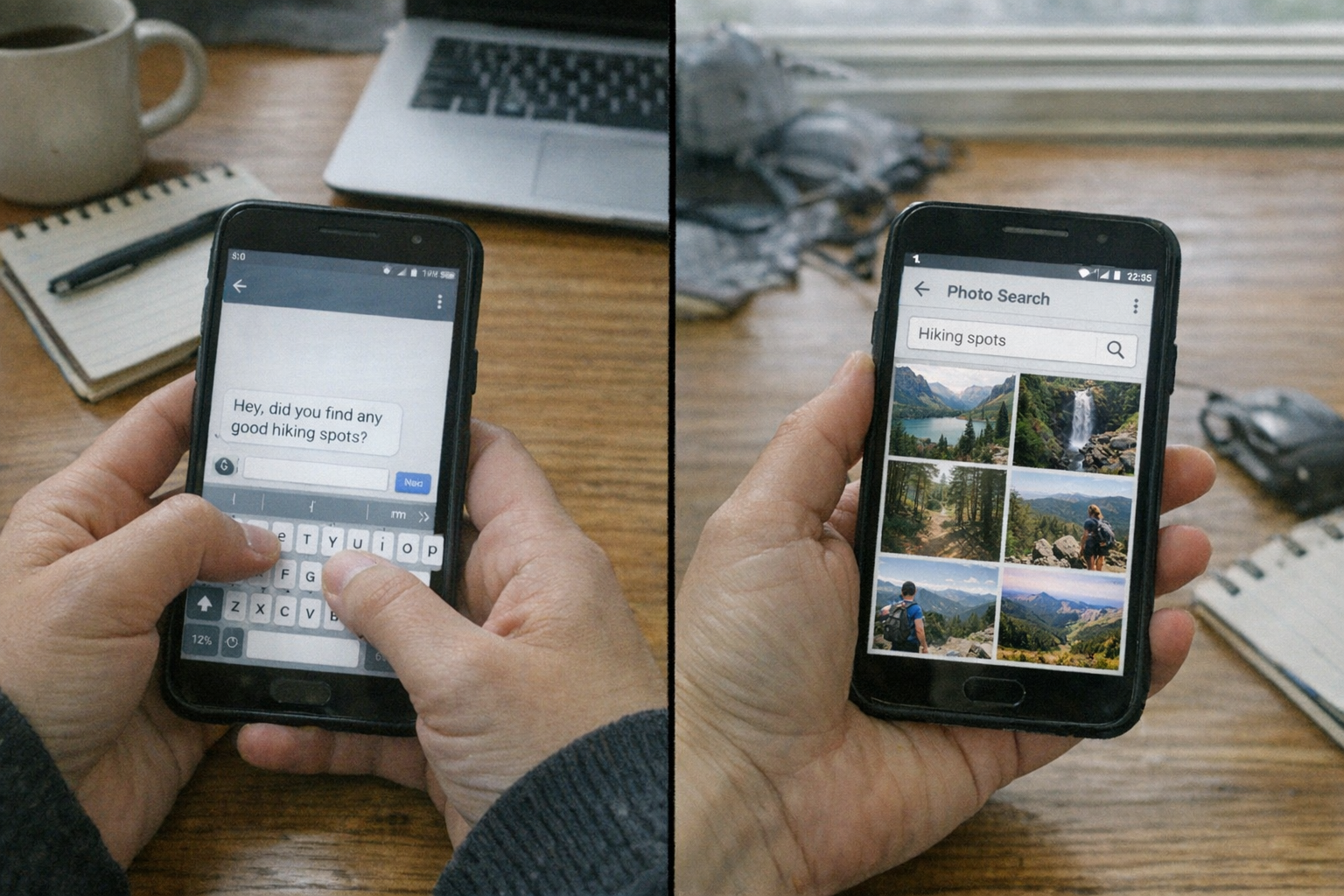
A text-only assistant mostly waits for typed prompts. You tell it what you want using words, and it answers using words. That can work well, but it breaks down when what you need is visual, spoken, or hard to describe. Try typing out a fabric pattern, a skin care concern, or the exact layout of a screen error. It's clunky.
A multimodal assistant can process several input types at once:
- Text for direct questions, quick edits, and follow-up prompts
- Voice for spoken requests, tone, and hands-free use
- Images for photos, screenshots, scanned items, and visual search
- Video for movement, live scenes, and short clips with changing details
So the difference isn't just more media. It's better intent recognition, which means the app has a clearer sense of what you're actually trying to do. If you upload a screenshot of a payment error and ask, "Why did this happen?", the assistant can read the text on the screen, detect the app state, and explain next steps. A text-only assistant would need you to retype the whole thing.
Well, actually, that's the quiet upgrade. The app stops making you do the translation work.
Where people already see them in daily consumer apps
You can already spot multimodal assistants across mainstream apps, even if the branding doesn't always say it out loud. The most visible examples show up in search, shopping, support, messaging, and camera-based tools.
| App area | What you do | What the assistant does |
|---|---|---|
| Search | Speak and show a photo | Combines your words and image to find the right result |
| Shopping | Upload a product photo | Identifies the item, shows lookalikes, checks stock or price |
| Customer support | Share a screenshot and chat | Reads the error, pulls account context, suggests a fix |
| Navigation | Use live camera or send a screenshot | Explains routes, landmarks, signs, or transit details |
| Photo tools | Ask for edits in plain language | Removes objects, changes lighting, crops for social formats |
| Messaging | Send text, voice notes, and images | Suggests replies, summarizes threads, pulls actions from context |
| Cross-device assistants | Start on phone, continue on laptop or earbuds | Keeps the same task context across devices |
A few practical examples make this clearer. Voice-to-image search is now common in retail and search apps. You can say, "Find shoes like this, but in black," while showing a photo. Camera-based help is growing in home, travel, and repair apps too. Point your phone at a router light pattern, and the app may explain what it means.
And cross-device use is getting smoother. Start by taking a photo on your phone, ask a follow-up by voice on earbuds, then finish the purchase on a laptop. Same task. Less friction.
Why these assistants feel faster and more intuitive
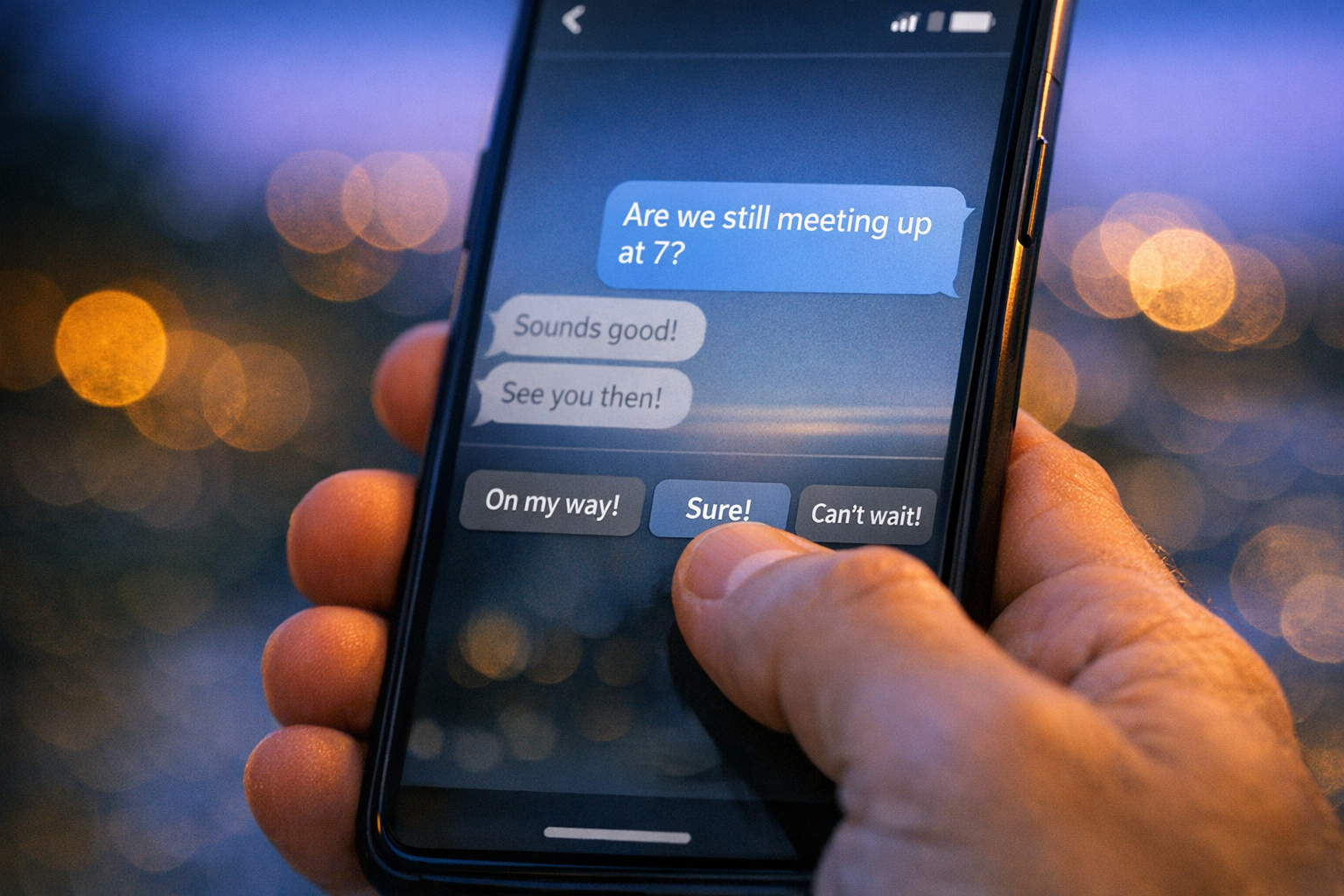
The reason they feel better is pretty human. People don't think in one format.
Sometimes you remember a color, not a product name. Sometimes you can show the issue in two seconds, but describing it takes two minutes. Multimodal assistants work better because they pick up more context at once. They connect what you say, what you show, and what you were already doing inside the app.
That improves intent recognition. If you send a photo of a jacket and ask, "Would this work for rainy weather?" the app can look at the material, style, and product details together. If you upload a map screenshot and ask, "Is this the faster route?", it can interpret the image and compare travel options. That's a lot closer to real conversation.
They also cut steps. Fewer menu taps. Fewer back-and-forth prompts. More first-try answers. For many people, that's the real win.
There's an accessibility angle too. Some users prefer speaking. Some need captions. Some rely on visuals because typing is tiring or difficult. When apps support multiple ways to interact, they fit more real lives. Not perfectly. But better than a single chat box ever could.
What changes in everyday app behavior
This is where how multimodal ai assistants are changing everyday consumer apps becomes less abstract and more visible. Daily app behavior starts to shift in small but powerful ways.
Search gets faster because you don't need the perfect keyword. You can upload a screenshot of a chair, add, "Find this under 200 dollars," and get usable results. Shopping gets more personal because the app can read your taste from saved images, past searches, and spoken preferences. Messaging gets lighter because the assistant can summarize a long thread, pull out the action item, and draft a response.
And then there are the tiny workflow changes you feel almost without noticing. Fewer taps through menus. Less switching between apps. Smoother handoff from phone to tablet to laptop. A support issue that starts with a screenshot can continue as voice, then end with a one-tap fix.
For accessibility, this matters even more. If someone has low vision, voice plus audio feedback helps. If someone is in a noisy train station, typing plus image input may work better. Good multimodal design doesn't force one style. It adapts.
By 2025 and 2026, that flexibility is becoming part of the default app experience, not just a premium feature hidden in settings.
What still limits the experience

For all the polish, these systems still miss. Sometimes badly.
Privacy is the biggest concern. Voice clips, photos, screenshots, and videos can contain faces, addresses, payment details, or private messages. If an app sends that data to cloud servers for processing, you need to know what gets stored, for how long, and who can access it. On-device processing helps, because the analysis happens on your phone or computer, but not every app can do that yet.
Latency is another issue. A multimodal request often takes longer than plain text because the app has more to analyze. If the connection is weak, the experience can feel sticky and slow. And accuracy still varies. Models can misread screenshots, confuse similar products, or infer details that aren't really there. That's the hallucination problem, when AI sounds confident but gets things wrong.
A few common weak spots stand out:
- Sensitive data in images or voice recordings can be exposed if app permissions are too broad
- Visual recognition can fail in dim light, cluttered scenes, or low-quality uploads
- Accessibility can suffer if voice features lack captions or image tools ignore screen readers
So yes, the future feels sleek. But trust still depends on clear privacy controls, honest limits, and easy ways to check or correct the assistant's output.
What consumer apps may look like next
Over the next 12 to 24 months, mainstream apps will likely feel more conversational by default. Not because every app becomes a chatbot, but because more tasks will start with natural input and flow across formats. You might type one step, speak the next, then confirm with an image. Smoothly. Almost invisible.
Shopping is a clear example. A retail app could compare a photo from your camera roll to live store inventory, suggest similar items in your size, and answer follow-up questions by voice. Support apps may combine screenshots, chat history, and spoken explanation in one thread, then guide you to a fix without making you repeat yourself.
Navigation and travel apps will probably get richer camera help too. Think live visual directions layered on the street in front of you, or a transit app that reads a station sign from your camera and explains where to go next. Photo tools will become more like creative copilots, taking simple requests and turning them into finished edits across phone and desktop.
The deeper change is cross-modal continuity. Start a task on one device. Continue on another. Keep the same context. If that works well, consumer apps won't just feel smarter. They'll feel calmer, because the app finally remembers what you were trying to do.
Final Words

You can already feel how multimodal ai assistants are changing everyday consumer apps in the little moments. A faster search. A support fix from a screenshot. A shopping result from a photo instead of a clumsy description.
That's why this shift matters. It's not just a feature upgrade. It's apps becoming more human, more context-aware, and easier to use in the messy flow of real life.
The next year or two will bring more of this. More conversation. More visual help. More continuity across devices. And if it's done well, everyday apps will feel less like tools you manage and more like systems that actually understand you.
FAQ
What is a multimodal AI assistant in a consumer app?
It's an assistant inside an app that can understand more than one kind of input, like text, voice, images, and video. That lets you ask for help in the way that feels easiest instead of relying only on typing.
How do multimodal AI assistants improve everyday app experiences?
They reduce steps, understand more context, and often give better answers on the first try. You can speak, type, or show what you mean, which makes search, shopping, support, and messaging feel faster and easier.
Are multimodal AI assistants safe for personal data and privacy?
They can be, if the app uses clear permissions, strong data controls, and on-device processing where possible. But you should still check privacy settings and be careful with sensitive photos, screenshots, and voice recordings.